
Field Service Inventory Management: Vans, Sites, Warehouses
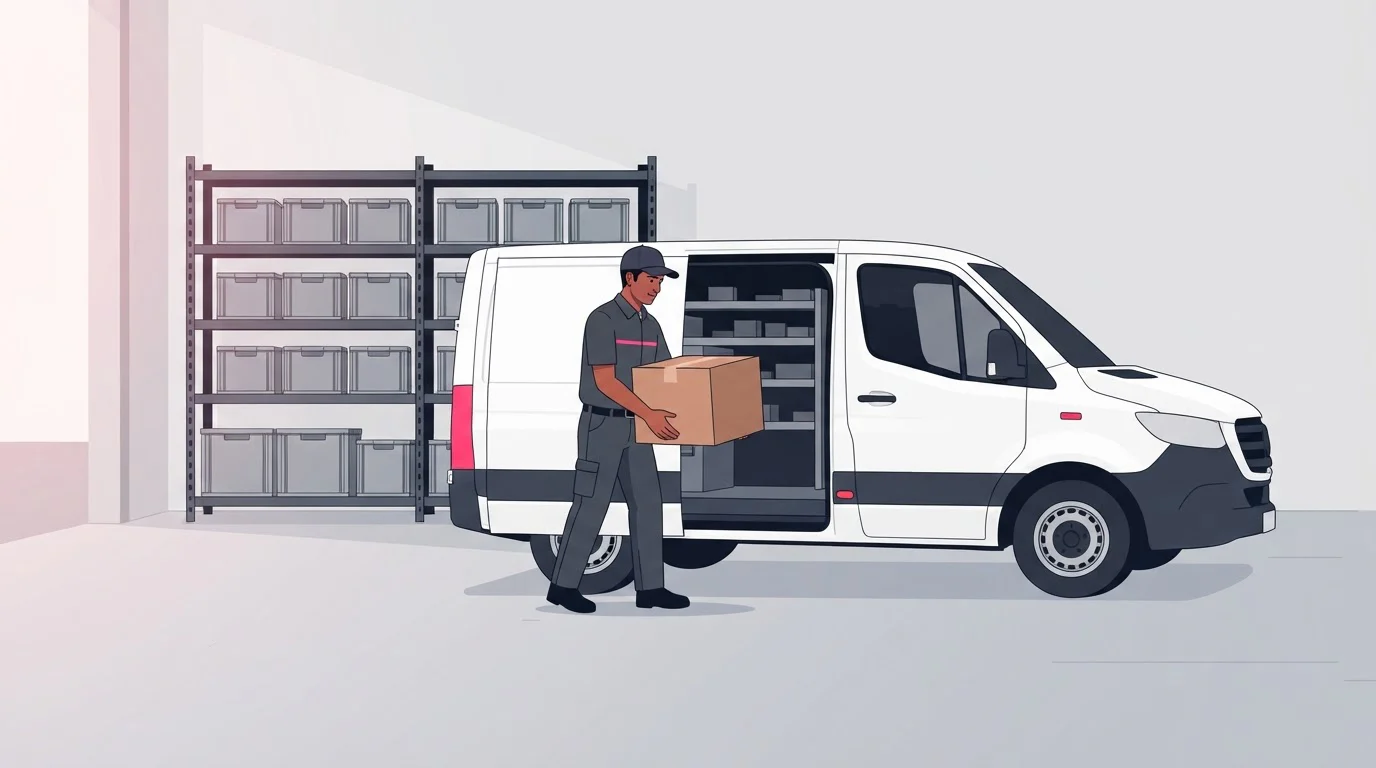
Field service inventory management works when each van, site and warehouse is a stock location in one record, with parts reserved to booked jobs, moved by transfer, logged when used and counted.

By Praveen Nune, Co-Founder & CEO · Updated 6 Nov 2026
Key takeaways
- Give service and stores one set of numbers by holding every van, depot, site and warehouse in a single stock record, and moving parts between them only by booked transfer or use on a job.
- Build each van kit from the parts your jobs actually use, with a minimum and a top-up level for every line. Count each van weekly.
- Salesforce Field Service already records what a job needs, what was used, and moves between locations. Many teams then need stock control across all those locations: commitments against demand, allocation by supplying location and minimum-stock alerts. We supply that layer natively on Salesforce.
- Track five numbers: first-time fix rate, van fill rate, parts not logged, stockouts at job and dead stock in vans. Set your own baseline first.
In this article
- 1Why does parts availability decide the first-time fix rate?
- 2How do you map the stock points in field service inventory management?
- 3Where does Salesforce Field Service inventory management stop and stock control start?
- 4What does Salesforce Field Service cover?
- 5How does a Salesforce-native tool like Arka Inventory connect the two?
- 6How do you set a van kit and minimums for van stock management?
- 7How do you reserve parts for a booked job in field service parts management?
- 8How do you record parts used on the job, then replenish and transfer?
- 9How do you count vans on a rhythm and chase the gaps?
- 10Which five numbers show whether first-time fix rate and parts availability are improving?
- 11What checklist can you run this week?
- 12How do you get vans, sites and warehouses into one stock record?
- 13Frequently asked questions
A repeat visit for a missing part is usually a records problem before it is a technician problem. The part sat in the warehouse, or on another van, or was used last week and never logged. Nobody could see which.
Field service inventory management is tracking, moving and counting the parts technicians need across every place a part can sit. When vans live on a separate list, service and stores each work from their own numbers. They drift apart within days, and the technician finds out on the doorstep.
One stock record fixes that, and it changes the dispatcher’s day as much as the stores team’s. Booking a job also books its parts, and the van is checked before it leaves, not after the customer calls.
This guide gives you a van kit table, a five-number scorecard and a weekly checklist. It also shows what Salesforce Field Service already covers and where stock control adds to it. It is written for service owners and managers who run on Salesforce.
Why does parts availability decide the first-time fix rate?
A job can only be fixed on the first visit if the parts it needs are in the van when the technician leaves. The first-time fix rate is the share of jobs completed on the first visit, with no return trip. Skills and time also affect it, but parts availability is the part stock control can change.
Salesforce Field Service reflects this. Its documentation lets you add products required to a work type, a work order (Salesforce's record for one job) or a work order line item, so the assigned technician arrives with the right equipment (Salesforce Help: Track Required Inventory in Field Service). The record knows what the job needs. The question is whether the van holds it.
A hypothetical example, with round numbers for illustration only: 100 jobs a week, 10 need a return trip for a missing part, and each return costs 2 technician hours. That is 10 × 2 = 20 technician hours a week, the equivalent of half a full-time technician.
According to the Aquant 2025 Field Service Benchmark Report, which analyzed 21 million service events from 157 service organizations, fully resolving a service ticket costs on average 34% more than a single work order, because return visits, truck rolls, parts and labor all add to the bill.
How do you map the stock points in field service inventory management?
Field service inventory management is tracking, moving and counting the parts technicians need across every place a part can sit. List those places first: the central warehouse, each regional depot, each van, and each customer site where you leave stock. Give each one a name, an owner and a rule for how stock enters and leaves.
Two rules keep the record honest. A part is in exactly one location at a time. It changes location only through a booked transfer, or when a job uses it.
Our inventory visibility shows stock levels for each product across multiple warehouses or locations, so the service team and stores read the same number. Our inventory visibility guide explains which number to quote before you promise stock. Stock left at a customer's site is a special case. Our guides to consignment inventory and vendor managed inventory cover it.
Where does Salesforce Field Service inventory management stop and stock control start?
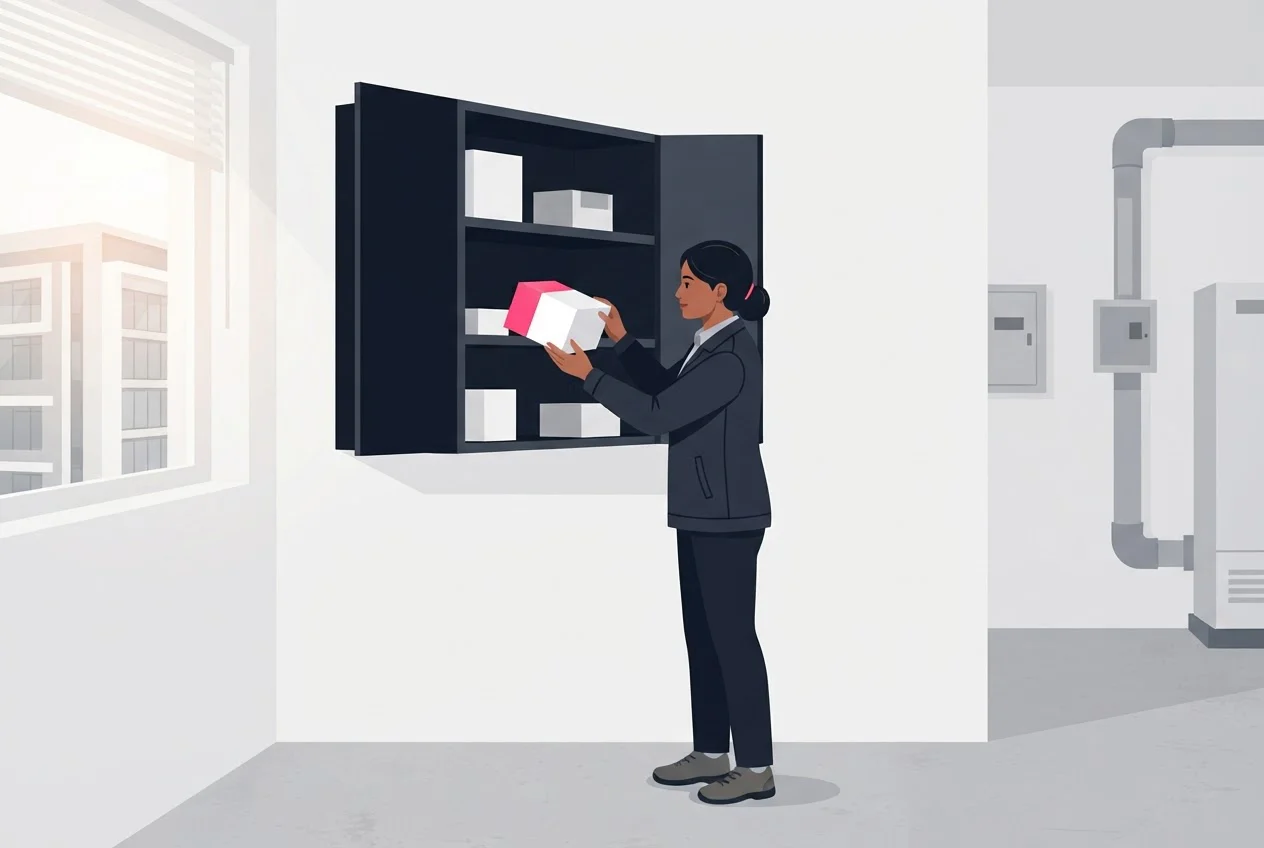
Salesforce Field Service already gives you the building blocks: locations, product items, transfers and a record of the parts used on each job. Many teams then need a stock-control layer on top. It shows what is already committed to other jobs, which location can supply a part, and when to restock. We supply that layer natively on Salesforce.
What does Salesforce Field Service cover?
As of November 2026, Salesforce's documentation lists these inventory tasks: tracking required inventory, tracking consumption, transferring inventory (including serialized items), requesting inventory, tracking shipments and tracking returns (Salesforce Help: Common Field Service Inventory Management Tasks). Three ideas matter here:
- Location and product item. A location is a place stock lives, such as a warehouse or a service vehicle. A product item (
ProductItem) is a product held at a location. - Product transfer. A product transfer (
ProductTransfer) records a move of stock between two locations. - Products consumed. A products consumed record records a part used on a work order.
These are Salesforce's features, not ours.
How does a Salesforce-native tool like Arka Inventory connect the two?
Our stock records are Salesforce records you can report on beside opportunities. The method on this page needs four things from the stock side:
- Multiple warehouses.
- Transfers between them.
- Commit Inventory, to commit, allocate and reallocate stock.
- Inventory alerts, for items approaching or falling below minimum stock levels.
We also support lot, batch, expiry-date and serial-number tracking. See how we work with Salesforce.
Our recommendation: decide which system owns each count before you start. If both the job record and the stock record can change a van's quantity, you will have two numbers by Friday.
How do you set a van kit and minimums for van stock management?
Build each van kit from the parts your jobs actually use, then set a minimum and a top-up level for every line. Some teams call this truck stock or bin stock. The idea is the same. Pull the last three months of job records for each job type, and start from what was used, not from a supplier's suggested list.
Van inventory management starts with this table. The quantities are illustrative only. Replace them with your own usage.
| Job type | Kit contents (examples) | Minimum per line (illustrative) | Carried by |
|---|---|---|---|
| Routine service visit | Filters, belts, fuses, seals, consumables | 8 | All technicians |
| Repair callout | The five parts your records show are replaced most often, plus the routine kit | 3 | Senior technicians |
| Installation | Fixings, cabling, model-specific parts | None carried; reserved per job | Reserved to the booked job |
| Specialist or high-value | Serial-numbered units such as compressors or control boards | 1, only if used often | Specialist technicians |
Our formula for each line: minimum = average units used between two restocks + a buffer you choose. Top-up level = minimum + average units used between restocks. A hypothetical case: a technician uses about 6 fuses between weekly restocks. With a buffer of 2, the minimum is 8 and the top-up level is 14.
Decide what not to carry as well. Keep high-value and slow-moving parts at the warehouse or depot and reserve them to the booked job. Carry fast-moving, low-cost lines on the van. A part used twice a year does not belong on every van; a part used every week does. The same rule decides whether a serial-numbered unit rides on one specialist van or waits at the depot. Our lot and serial tracking records stock by batch, expiry date and serial number.
Our inventory alerts notify you when items approach or fall below minimum stock levels, so a number triggers the top-up, not memory. Our guide to low stock alerts covers how to set them.
How do you reserve parts for a booked job in field service parts management?
Reserve the parts the moment the job is booked, so no other job or van can take them before the technician leaves. A reservation ties a quantity of a part to one job. Without it, two jobs can count on the same last unit.
Run it in four steps:
- List the parts the job needs.In Salesforce Field Service, this is the products required list on the work order.
- Check the van first.Parts the van holds cover the job if no other booked job needs them. Reserve the rest from the warehouse or depot that will supply it.
- Transfer the reserved parts to the van before departure.Move the reserved parts by booked transfer before the technician leaves.
- Release on change.If the job moves or cancels, release the reservation the same day, so the parts return to available stock.
Commit Inventory commits, allocates and reallocates stock against demand, so a unit promised once is not promised again. You can allocate or reallocate stock against a delivery date as plans change.
Commit Inventory commits stock against demand records in Salesforce. Ask us how your job or work order records fit.
How do you record parts used on the job, then replenish and transfer?
Record each part on the day it is used, before the next job starts, and restock only by transfer. A part logged at the end of the week is missing from the record for a week. Every reservation made in between relies on a wrong number.
The usual objection is that technicians will not log parts. Make logging the shortest route. Let them pick from the van's own list, not a free-text box, and scan where they can. Salesforce Field Service records the used part as a products consumed record on the work order (Salesforce Help: Common Field Service Inventory Management Tasks).
Every movement is a transfer with a from-location, a to-location and a quantity:
- Top-up: warehouse or depot to van, booked before departure.
- Return: van to warehouse, for unused, faulty or surplus parts.
- Van-to-van: book a loan at handover. An unbooked loan makes both vans wrong.
Our warehouse management supports transfers between warehouses, with barcode-based receiving and put-away. Salesforce Field Service can transfer serialized inventory (Salesforce Help: Common Field Service Inventory Management Tasks).
How do you count vans on a rhythm and chase the gaps?
Count every van once a week, a few vans a day, and compare the count with the system quantity. Treat each difference as a cause to find, not a number to overwrite. Overwriting hides the cause, and it comes back.
Vans have two causes that warehouses rarely have: parts used but not logged, and transfers not booked. For each gap:
- Look for unbooked movements since the last count: loans, swaps, parts collected from a depot by hand.
- Compare the jobs the van's technician closed since the last count with the parts logged.
- Ask the technician the same day, while the jobs are fresh.
Fix the habit, not just the quantity. Count on the same day each week, with vans parked at base. Our guides to cycle counting and inventory discrepancy causes cover the count method and adjustment rules. This page covers only what is specific to vans.
Which five numbers show whether first-time fix rate and parts availability are improving?
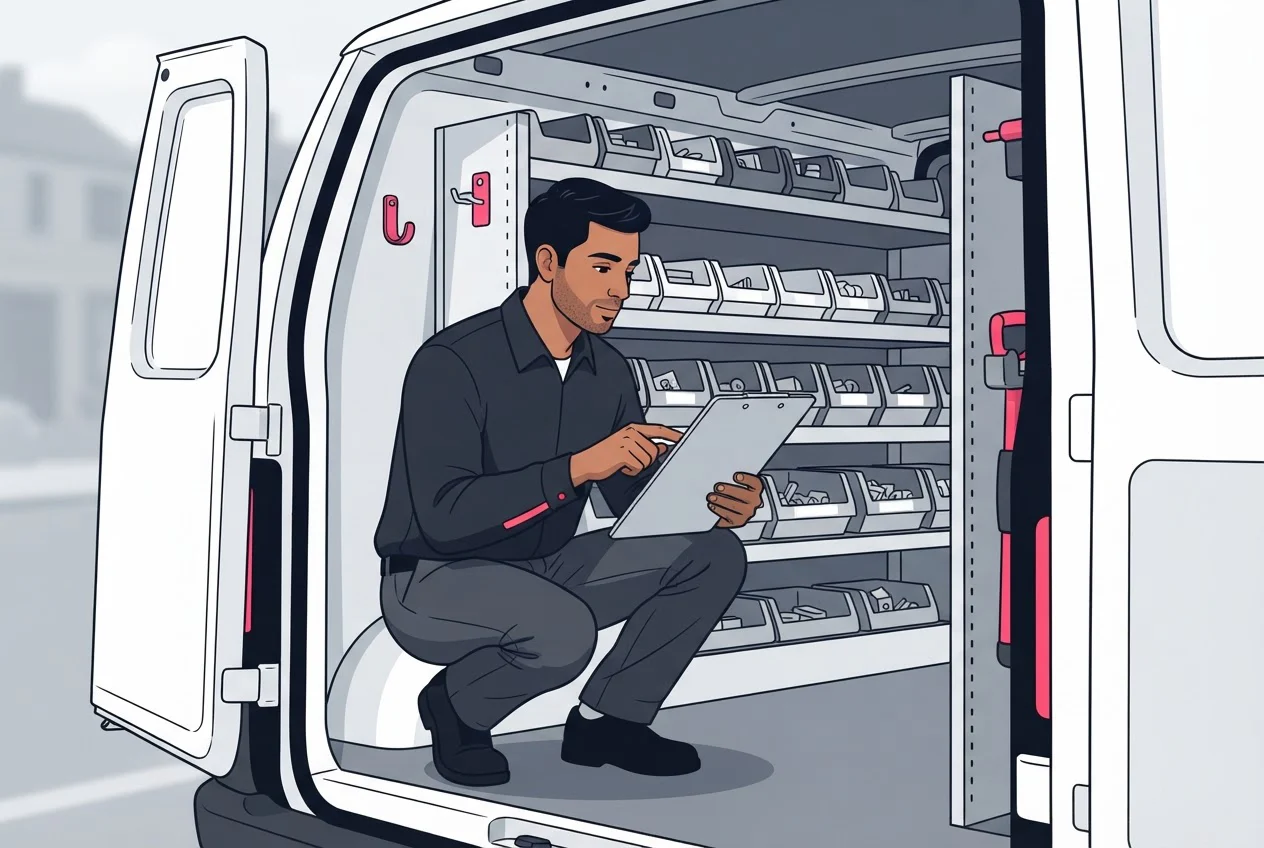
Track first-time fix rate, van fill rate, parts not logged, stockouts at job and dead stock in vans. Together they show whether parts are the problem and where the fault sits. Calculate each weekly.
| Measure | Formula | A bad reading means |
|---|---|---|
| First-time fix rate | Jobs completed on first visit ÷ jobs attempted | If it falls, check stockouts at job first. If stockouts are flat, parts are not the cause. |
| Van fill rate | Kit lines at or above minimum at departure ÷ total kit lines | Restocking is not keeping up, or minimums are set wrong. |
| Parts not logged | Sum of absolute differences between weekly count and system quantity ÷ system quantity, across counted lines | Logging or transfer booking is breaking. |
| Stockouts at job | Jobs where a required part was not on the van ÷ jobs attempted | The kit, the reservation or the top-up failed. Record a reason code to tell which. |
| Dead stock in vans | Kit lines with no use in 90 days ÷ total kit lines | The kit is too big and cash is tied up. Ninety days is our suggestion; use your own restock cycle. |
Set your baseline before you change anything. Calculate all five for four weeks, then judge change against your own numbers. Job mix, region and kit differ too much for a shared benchmark. Build the stock-side numbers as reports in Salesforce, since our stock records are Salesforce records.
What checklist can you run this week?
Run these eight checks this week. Each has an owner and a pass or fail test.
| # | Check | Owner | Pass / fail |
|---|---|---|---|
| 1 | List every stock point: warehouse, depots, vans, customer sites | Stores | Pass: each has a name and an owner. Fail: any van has neither. |
| 2 | List top parts per job type from the last three months of job records | Manager | Pass: one signed-off kit list per job type |
| 3 | Set a minimum and top-up level for every kit line | Manager | Pass: every line has both numbers |
| 4 | Reserve tomorrow's parts today | Dispatcher | Pass: every job has its parts reserved or confirmed on the van. Fail: any job leaves unchecked. |
| 5 | Issue top-ups by booked transfer | Stores | Pass: no part left the warehouse without a transfer |
| 6 | Log parts before the next job starts | Technician | Pass: every closed job lists parts used, or "none" |
| 7 | Count one or two vans a day | Stores | Pass: every van counted once, each gap written with a cause |
| 8 | Calculate the five numbers and compare with your baseline | Manager | Pass: all five calculated and reviewed |
To see this set up on your own Salesforce org, see how it works.
How do you get vans, sites and warehouses into one stock record?
This week, do two things: list your stock points, and build one van kit with a minimum and a top-up level for every line. Then let the five numbers decide what to fix next. If stockouts at job are high, fix the kit or the reservation step. If parts not logged is high, fix logging and transfer booking before you adjust any quantities. Count on the same day each week for four weeks before you judge any change.
To see this run on Salesforce, book a demo with our team. Bring your list of stock points and a typical van kit, and we will show you how multiple warehouses, transfers, Commit Inventory and inventory alerts work together, so service and stores read the same numbers.
Frequently asked questions
Sources
- 1.Salesforce Help: Common Field Service Inventory Management Tasks
- 2.Salesforce Help: Track Required Inventory in Field Service
- 3.Arka Inventory: Inventory Visibility
- 4.Arka Inventory: Warehouse Management
- 5.Arka Inventory: Commit Inventory
- 6.Arka Inventory: Inventory Alerts
- 7.Arka Inventory: Salesforce use cases