Inventory Tracking Software in India: Pick by What You Track
Inventory tracking software records what stock you hold, where it sits and when it moves. Choose it by what you must track, then check which plan switches that tracking on.

By Praveen Nune, Co-Founder & CEO · Updated 7 Nov 2026

Key takeaways
- Choose by what you must track (quantity, locations, barcodes, batch or lot and serial numbers, assemblies), then confirm the plan that includes it.
- Barcodes and batch or serial tracking are often gated to a mid-tier plan at other providers. On our plans, barcoding is in Basic and lot and serial tracking is in Enterprise. Check which plan includes your hardest requirement before you compare prices.
- A spreadsheet is usually enough for one location, one editor and a small range of items. Test it with 20 SKUs before you pay for software.
- We are built natively on Salesforce. We fit teams that run sales on Salesforce, and we offer a 15-day free trial with no credit card.
In this article
- 1What should inventory tracking software do for a small business in India?
- 2Which plan unlocks barcode, batch and serial tracking?
- 3How do you know a spreadsheet has stopped being enough?
- 4Why do buyers choose inventory software on features and regret it?
- 5When does a Salesforce-native tool like ours fit?
- 6Frequently asked questions
Two inventory tools can both advertise barcode scanning and batch tracking, and still differ in the plan where you get them. Some providers leave barcode generation and batch and serial tracking out of their free and entry plans and start them at a mid-tier plan. On our own plans, barcoding is in Basic, while lot and serial tracking sits on Enterprise.
That gap is where buying mistakes happen, in our experience. Buyers choose from a feature list, then find that the feature they needed, often batch or expiry tracking, sits on a higher plan. The opposite mistake is paying for depth that a single-location business never uses.
This page starts from what you track, not from a vendor's feature grid. Use the table, run the twenty-item test, then compare tools. We publish this page and our own software appears in the table, so read our plan details with that in mind.
What should inventory tracking software do for a small business in India?
Inventory tracking software keeps one live record of each item's quantity and location, and updates it whenever stock is received, moved, sold or used. Beyond that, what you need depends on five things: quantity, locations, barcodes, batch or serial numbers, and assemblies. Each one narrows your choice of tools and plans.
- Quantity: how many units you hold, with an alert when stock falls below a minimum.
- Locations: stock split across godowns, shops or sites, with transfers between them.
- Barcodes: scanning at receiving, picking and counting, so people stop typing codes.
- Batch (called a lot at Arka Inventory), expiry or serial numbers: a batch is a group of units made or received together; an expiry date applies to the batch; a serial number identifies one unit. See lot number vs batch number.
- Assemblies: a bill of materials (BOM, the list of parts that make one finished item), production and kits.
Most small businesses start with the first and add the others as they grow. In our view, the plan you need depends on how many of the five you must track, and then on your users, locations and monthly orders.
Which plan unlocks barcode, batch and serial tracking?
On our plans, barcoding is in Basic and lot and serial tracking is in Enterprise. Some other providers start barcode and batch tracking at a mid-tier plan. The table below lines up what you track against the tier that includes it on our plans, as of November 2026, and the pattern to look for when you read another provider's plans.

| What you must track | Is a spreadsheet enough? | What to look for at other providers | Our plan |
|---|---|---|---|
| Quantity in one place, with low-stock alerts | Often, with one editor and a small item range | A free or entry plan; check its caps on users, locations and monthly orders | Basic |
| Stock in several locations, with transfers | Rarely, because two people editing one file drift apart | The number of locations each plan allows | Basic |
| Barcode scanning | No | Often a mid-tier plan and above | Basic |
| Batch (lot at Arka Inventory), expiry or serial numbers | No | Often a mid-tier plan and above | Enterprise |
| BOMs, production, kits | No | Whether production, not just kits, is included | Advance |
Source for our plans: our pricing page. Other providers' plans differ, so read each one's own pricing page.
Two details in the table matter as much as the feature names. Some providers cap orders per month, and plans cap users. A business that fits a plan's features can still outgrow its order or user limit.
How do you know a spreadsheet has stopped being enough?
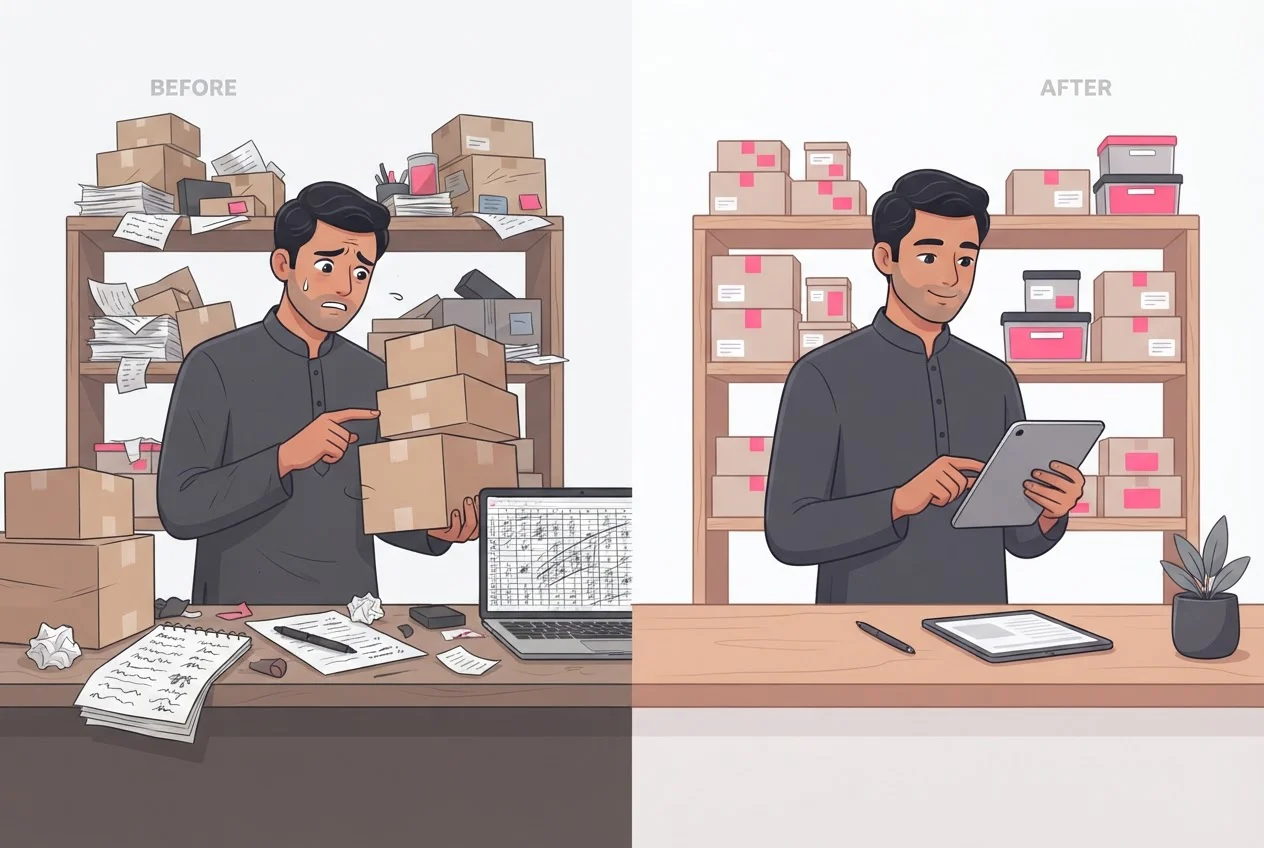
A spreadsheet has stopped being enough when it fails any one of three tests: a physical count, a trace, or a location check. Our recommendation is to run all three on 20 items before buying anything, because the result tells you which row of the table you are in. The 20-item sample, the 19-of-20 threshold and the five-minute trace limit are our recommendation, not an industry standard.
- Count test
Pick 20 SKUs (stock keeping units, the unique code for each item you sell), mixing fast and slow movers. Count them on the shelf and compare with the sheet. Pass: 19 or 20 of 20 match exactly. Fail: two or more differ, which usually means updates are late or two people are editing separate copies. See inventory discrepancy causes for why counts drift. Our page on cycle counting gives a schedule and count sheet.
- Trace testTake your last 10 receipts and dispatches. Pass: you can find each in the sheet within five minutes. Fail: you cannot say who changed a quantity, or when.
- Location testAsk for the stock of one item in every location. Pass: one lookup gives the total, with no manual addition. Fail: you need more than one lookup, or any manual addition, to get the total.
Pass all three and the sheet is probably enough for now. Our guide to inventory management in Excel shows how to build a register that holds up longer. If you fail, the failed test points to the row in the table above: failing the location test points to multi-location tracking, and failing the trace test points to a system that logs who changed what.
Why do buyers choose inventory software on features and regret it?
Buyers regret feature-list decisions because the same feature name sits on different plans at different providers, and the limits that bite are users, locations and monthly orders. Check four things in order before you compare prices.
The tier gate. Find the plan that includes your hardest requirement. If you sell items with expiry dates or serial numbers, start there. A lower plan that lacks it is not a cheaper option for you.
The caps. Count your users, locations and monthly orders against each plan's limits on the provider's own pricing page.
Your item codes. Software imports whatever codes you give it. If your SKUs are inconsistent, clean them first. Our SKU numbering system guide shows how to design the code and audit it.
Your books. If Tally or QuickBooks Online holds your accounts, check what the inventory tool passes across. Our integrations with both exist so that invoices and bills reach your accounting system without re-typing. If Tally is your main stock tool today, run the stock health check in our Tally inventory management guide first.
When does a Salesforce-native tool like ours fit?
Our software fits teams that run sales on Salesforce and need stock, purchasing, warehouse and cost control in the same place. We built Arka Inventory natively on Salesforce, so sales reps see stock across warehouses, items on order, lead times and raw-material availability while they create quotes and orders. We serve small and mid-market manufacturers, wholesale distributors and others who handle physical goods.
What each of our plans includes, billed yearly:
- Basic: $199 a month with 1 user, additional users at $42 a month each. Multiple warehouses, purchase orders and transfers, barcoding and packing slips, and inventory alerts.
- Advance: $499 a month with 2 users, additional users at $52 a month each. Everything in Basic, plus bills of material, production and kitting.
- Enterprise: flexible pricing. Everything in Advance, plus sales orders, lot and serial tracking, landed cost, bin tracking, and dedicated support.
As of November 2026, our price list is in US dollars and billed yearly. Here is our working from that list. One Basic user costs $199 × 12 = $2,388 a year. Two extra users add $42 × 2 × 12 = $1,008, so three Basic users cost $3,396 a year. Two Advance users cost $499 × 12 = $5,988 a year. Details are on our pricing page; ask us for a total that covers your users.
With lot tracking on Enterprise, picking suggests the lots that expire first. For other items we pick first in, first out (FIFO).
Setup works like this: you give us your inventory, product, warehouse and operational data, and onboarding takes at least two weeks, depending on data readiness, integrations and how complex your business rules are. Standard setup guidance and configuration help are included. You can try everything first with a 15-day free trial, with full access to all features and no credit card. Access ends automatically when the trial does.
To book a demo or start a trial, use our contact sales page. For support, write to support@arkainventory.com or call +91 93902 73833, Monday to Friday, 9 AM to 6 PM IST.
Frequently asked questions
Sources
- 1.Arka Inventory pricing, November 2026