
TL;DR
We built Arka Inventory for Salesforce sales teams that need trustworthy availability, not a raw on-hand count. This guide ranks the best real-time inventory software for sales teams by commitments, ATP, replenishment, CRM and channel workflows, governance, dashboards, and proof-of-concept tests that reduce preventable stockouts.
A sales team can only promise inventory safely when the quantity reflects every location, reservation, and channel rule. Salesforce’s official pricing documentation notes that granular inventory availability can support up to 500 locations, which illustrates why one warehouse total is rarely enough.
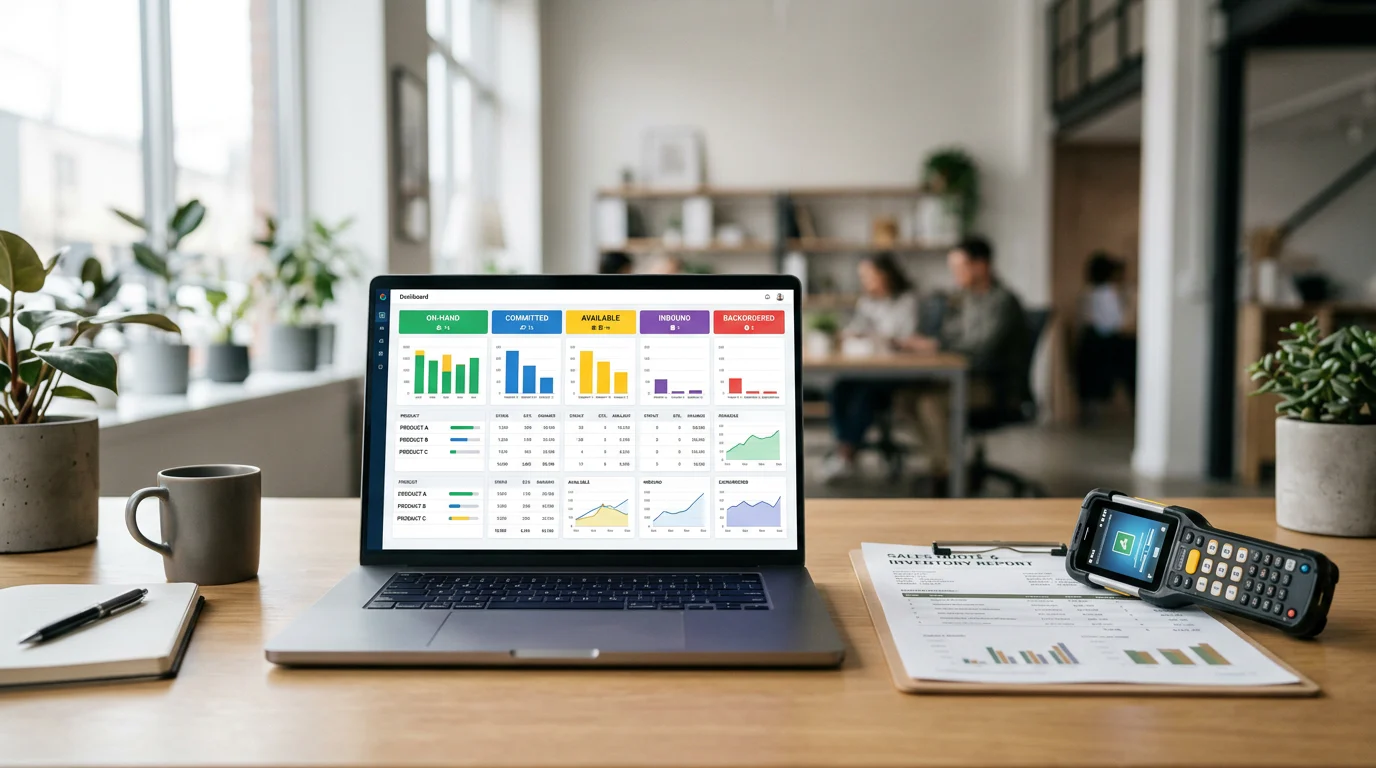
The best real-time inventory software for sales teams lets sellers see on-hand, committed, available, incoming, backordered, and channel-specific stock where they quote and order. At Arka Inventory, we pair that visibility with commitment rules, alerts, replenishment signals, and Salesforce workflows, so availability becomes a defensible customer promise instead of a raw count.
We explain what trustworthy availability requires, how to compare platforms by sales outcomes, and how to test whether live inventory data will actually reduce preventable stockouts.
What Makes Real-Time Inventory Software for Sales Teams Trustworthy?
“Real-time” should describe an operating system, not a dashboard refresh animation. We look for the source event that changes stock, the path that carries it into availability, the time shown to users, the reconciliation process, and the fallback when an integration fails.
A useful sales view separates physical stock from sellable stock. On-hand is the recorded quantity. Committed stock is already promised to an order. Available stock is what remains after commitments, allocations, channel buffers, and status restrictions. Incoming, backordered, and in-transit quantities add important context, but they should never be presented as immediately sellable without a date and rule behind them.
Salesforce’s inventory guidance explains that data can be imported at regular intervals and that local inventory should update when orders are created to help avoid overselling. That is why we treat event handling and reconciliation as essential parts of availability.
Our inventory visibility tools bring location-level stock, expected supply, lead times, and build-capacity context into Salesforce. That gives sellers a better answer than “we have some left,” while preserving the operational detail purchasing and fulfillment need.
A trustworthy implementation also exposes last-updated timestamps, source ownership, stale-data warnings, permissions, overrides, and transaction history. If a system cannot show why a quantity changed, it cannot reliably support a high-stakes promise.
Which Real-Time Inventory Software Fits Sales Teams Best?
The best choice depends on where salespeople work and whether availability leads to action. We rank Arka highest for Salesforce-based teams that need inventory context, commitments, warehouse activity, and custom reporting in the same operating environment. Larger enterprise suites, channel-led systems, and CRM-connected options can fit other requirements, but buyers should validate their reservation logic and latency in a proof of concept.
Availability States and Promise Logic
A comparison should reward systems that make availability explainable. A seller needs to know not only what exists, but what is already spoken for, what is reserved for another channel, and when incoming supply can support a promise.
| Profile | Inventory States | Update Method | Verified Latency | CRM Integration | Channel Integrations | Mobile Access | ATP | Commitment | Reorder Automation | Dashboard Flexibility | Price | Best Fit |
|---|---|---|---|---|---|---|---|---|---|---|---|---|
| Arka Inventory | On-hand, committed, incoming, backordered, location context | Native Salesforce inventory transactions | Not publicly disclosed, validate in testing | Native Salesforce | Salesforce commerce and API workflows | Validate role workflow | Lead time and capacity context | Supported through order commitments | Minimum-stock and purchase planning workflows | Salesforce reporting and custom views | From $199/month billed annually | Salesforce sales and operations teams |
| CRM-Connected Inventory Option | Available and reserved, source-system dependent | API, event, or scheduled sync | Validate in testing | Connector or native extension | Commerce connection dependent | Validate role workflow | Rules dependent | Usually supported | Depends on connected system | CRM reporting depth varies | Quote required | CRM-centered commerce teams |
| Enterprise ERP With Date-Based ATP | Detailed supply, demand, and backorder states | Transactional ERP updates | Validate in testing | Integration project | API or middleware dependent | Role dependent | Typically date and quantity aware | Allocation rules vary | Planning suite dependent | Strong with implementation effort | Quote required | Complex planning environments |
| Enterprise ERP With Allocation Controls | Physical, allocated, reserved, and transfer states | Transactional updates | Validate in testing | Integration project | API or middleware dependent | Role dependent | Supported with configuration | Strong allocation controls | Planning configuration required | Strong with implementation effort | Quote required | Large distributed operations |
| Enterprise ERP With Scheduled Visibility | On-hand, scheduled supply, scheduled demand | Sync and event configuration | Validate in testing | Connector or custom build | API and commerce connectors | Role dependent | Supported when enabled | Reservation configuration required | Planning configuration required | Flexible with data-model design | Quote required | Organizations standardizing on an enterprise stack |
| Mid-Market Multichannel System | Available stock by channel and location | Channel syncs and warehouse events | Validate in testing | Connector dependent | Marketplace and storefront focused | Usually available, validate offline behavior | Varies by product | Varies by plan | Reorder features vary | Often operationally focused | Confirm current pricing | Channel-heavy sellers |
| Ecommerce Fulfillment System | Available stock across storefronts and marketplaces | Channel and fulfillment events | Validate in testing | CRM connector required | Storefront and marketplace focused | Validate picker and seller workflows | Often availability focused | Reservation behavior varies | Varies by product | Operational dashboards vary | Confirm current pricing | Ecommerce fulfillment teams |
Commitment and Reservation Tests
A platform does not earn a “real-time” label simply because it receives frequent updates. We test whether it blocks two salespeople from promising the last units, releases a reservation after cancellation, preserves channel buffers, and records the user and time behind every override.
Our commit inventory workflow is especially relevant when quotes turn into orders quickly. Commitment controls should show sales what remains sellable, while preventing the same units from being promised twice.
Cost and Implementation Fit
Published subscription pricing is only one component of cost. Buyers should also evaluate data cleanup, inventory migration, location setup, product structures, integration development, historical transaction needs, user training, and ownership after launch. We publish Basic plans from $199 per month billed annually and Advance plans from $499 per month billed annually, while complex Enterprise requirements receive tailored pricing.
For every alternative, ask for a written list of included integrations, API constraints, implementation responsibilities, support boundaries, and the exact workflow that produces the availability figure.
How Does Live Availability Reduce Stockouts?
Live visibility reduces stockouts only when it feeds a decision. A dashboard that reports low stock after a seller has already promised it is useful for postmortems, not prevention. The operational chain has to connect demand, commitments, replenishment thresholds, supplier timing, and accountable action.
Sales Demand Or Quote
          |
Reservation And Allocation Check
          |
Available Quantity And Promise Date
          |
Reorder Point, Safety Stock, And Lead-Time Review
          |
Alert, Transfer Recommendation, Or Purchase Action
          |
Receipt And Reconciled Availability
Replenishment Inputs That Matter
We use reorder points to indicate when supply action is needed, safety stock to absorb normal demand or supplier variation, and lead times to determine when a replenishment decision must happen. Demand signals should include committed orders, backorders, forecasts, open quotes when appropriate, planned production, and stock already allocated to another channel.
Our forecasting and purchase automation capabilities help purchasing turn these signals into timely purchase activity instead of a disconnected spreadsheet review.
Alerts Need an Owner
Low-stock notifications should route to the person who can act, with the relevant SKU, location, quantity, demand source, expected receipt, and order risk attached. A generic alert without owner, urgency, or recommended next step creates more work without protecting a customer promise.
Track preventable stockouts separately from unavoidable disruptions. If a system marked an item available when it was already reserved, the root cause may be a commitment rule, stale source data, or a channel buffer mistake. If a supplier missed an agreed receipt date, the root cause belongs in replenishment performance.
Measure Prevention, Not Just Stockouts
We measure prevention through commitment conflicts, late promise changes, stale-availability events, replenishment exceptions, and orders fulfilled on time. This shifts review conversations from “what went wrong?” to “which rule, signal, or action would have prevented the risk?”
How Do Sales and Commerce Workflows Keep Promises Accurate?
Availability must follow the seller from account research to quote, order, fulfillment, and service. The account context should show eligible inventory, customer-specific allocation where applicable, location options, lead time, backordered demand, and the earliest realistic delivery date.
Quote-To-Order Workflow
A quote is the moment to expose the difference between “in stock” and “available to this customer.” When an order is accepted, the system should create or confirm the commitment, recheck availability, and make any partial shipment or substitute-product choice visible to the seller.
Our Salesforce integration use cases show how we keep inventory information close to opportunities, quotes, sales orders, and customer service activity rather than sending sellers into a separate warehouse tool.
Channel and Buffer Workflow
Shopify, Amazon, Walmart, partner portals, and APIs should draw from the same source-of-truth rules. We recommend explicit channel buffers and allocation pools so fast-moving marketplace demand does not silently consume inventory reserved for strategic accounts or direct sales.
Salesforce’s commerce documentation describes inventory reservations moving between location groups and fulfillment locations, with cancellations releasing those reservations. That is the transactional behavior teams should confirm across every sales channel.
For commerce programs, the key test is simple: create a reservation in one channel and verify that every other channel receives the resulting availability answer in the expected sequence. If that test fails, the organization has visibility, not control.
Warehouse and Return Workflow
Receiving, barcode scanning, transfers, picks, shipments, returns, serial capture, and disposition all change what can be promised. Warehouse execution has to write back into availability with the same discipline used for order commitments.
Our warehouse management workflows connect operational movements with the sales answer, helping teams avoid promises based on inventory that is damaged, in transit, picked, or otherwise unavailable.
How Should Teams Govern Availability Dashboards?
A report is useful only when someone can identify the risk, understand the cause, and take the next action. We build availability dashboards around exceptions rather than a single company-wide stock total, because custom-report users need to isolate a SKU, location, channel, account, or promised order quickly.

A strong governance model assigns a source-of-truth owner for each quantity, restricts overrides by role, records override reason and approver, surfaces stale-data exceptions, and maintains an audit trail through reconciliation. Our inventory alerts can route low-stock and disruption signals to the people responsible for action.
KPIs for Availability Risk
| KPI | Formula | Primary Owner | Decision Trigger |
|---|---|---|---|
| Preventable Stockout Rate | Stockouts after available promise divided by promised orders, multiplied by 100 | Sales Operations | Review reservation and ATP rules |
| Promise Accuracy | Orders fulfilled on or before confirmed date divided by orders with confirmed dates, multiplied by 100 | Customer Operations | Escalate supply or fulfillment risk |
| Stale-Availability Rate | Queries beyond freshness policy divided by all availability queries, multiplied by 100 | Data Owner | Reconcile source feeds |
| Commitment Conflict Rate | Failed or oversubscribed commitments divided by commitment attempts, multiplied by 100 | Revenue Operations | Adjust allocation or buffers |
| Inventory Turns | Cost of goods sold divided by average inventory value | Finance And Supply Chain | Reassess stocking policy |
| Replenishment Exception Closure | Exceptions closed by due date divided by exceptions due, multiplied by 100 | Purchasing | Escalate supplier or buyer action |
Dashboard Acceptance Criteria
We recommend filters for SKU, warehouse, channel, account, order status, and date. Every exception should drill into the transaction that created it, show the latest successful update, identify the quantity owner, and make the underlying formula visible.
Our custom reports and dashboards support the role-specific views that sales operations, purchasing, warehouse leaders, and executives need to act from the same availability logic.
Why Arka Inventory Fits Salesforce Sales Teams
Arka Inventory fits teams that sell in Salesforce and need inventory data to influence the next customer conversation, not merely appear in a warehouse report. We built our platform natively on Salesforce so sales, purchasing, and operations can work from shared records, shared commitments, and shared exception views. Our published plans begin at $199 per month when billed annually for the Basic plan, while the Advance plan begins at $499 per month, with Enterprise pricing tailored to more complex requirements. We help teams configure the availability states, commitment rules, warehouse flows, alerts, and reports that make a promise trustworthy. Bring a current quote, a few difficult orders, and a sample of channel demand to a working session. We will help you test whether the data stays useful when a reservation, delay, or transfer changes the answer. Start today, and explore Arka Inventory
FAQs on Real-time Inventory Software for Sales Teams
These questions focus on the distinction between a visible stock count and a dependable sales promise. The best answer always depends on inventory state, commitment rules, and freshness controls.
What Is the Difference Between On-Hand and Available Inventory?
On hand is physically counted stock. Available inventory removes committed, allocated, buffered, or restricted quantities, making it the quantity salespeople should use for customer promises.
Can Real-Time Inventory Software Prevent Stockouts?
It reduces preventable stockouts when live transactions trigger reservation rules, replenishment thresholds, lead-time checks, alerts, and accountable purchasing, transfer, or fulfillment workflows before customer promises fail.
What Should Sales Reps See Before Promising Inventory?
Sales reps need available quantity, committed demand, channel buffers, location options, incoming supply dates, lead time, backorders, substitutions, and a current timestamp before promising inventory.
How Can Salesforce Teams See Live Inventory Availability?
We place availability in Salesforce opportunities, quotes, orders, and service records, then apply commitment and warehouse rules so users see dependable inventory context during customer conversations.
How Should Teams Verify a Real-Time Claim?
Test simultaneous commitments, cancellations, channel buffers, delayed receipts, transfers, and integration failures. Measure latency, inspect audit history, and confirm how the system flags stale data to users.