
6 companies compared
Purchase Requisition: Stock vs Spend Lanes, Form and Approvals
A purchase requisition is an internal request that authorises buying goods or services. Split stock requests from spend requests, each with its own form fields and rupee or quantity approval bands.

By Praveen Nune, Co-Founder & CEO · Updated 8 Nov 2026
On this page
- 01The shortlist
- 02How we ranked them
- 03The companies in detail
- 04How to choose
- 05Key takeaways
- 06What is a purchase requisition, and how does it differ from a purchase order?
- 07Why does a purchase requisition need a stock lane and a spend lane?
- 08What fields should a purchase requisition form include?
- 09How do you set approval limits for a purchase requisition?
- 10Which purchases can skip a purchase requisition?
- 11Method and sources
- 12Frequently asked
The short answer
A purchase requisition is an internal request approved before purchasing sends a purchase order to the supplier. Run it as two lanes: stock requisitions approved on quantity, spend requisitions approved on rupees. Set approval bands from your last 12 months of purchase orders, and skip the requisition only where an earlier approval already covers the purchase.
The shortlist
- 1Arka InventoryOur companyFor the stock lane
- 2Dynamics 365 Supply Chain ManagementFor workflow-driven requisitions
- 3SAP S/4HANAFor requisitions fed by planning
- 4Oracle NetSuiteFor approval limits by approver
- 5ProcurifyFor spend requests and budgets
- 6Odoo (Purchase Request module)For Odoo users on a community module
How we ranked them
- Handles purchase requisitions as a documented process or product feature
- Supports approval of a requisition before a purchase order is raised
- Has public documentation or pricing information we could check
- Fits stock replenishment or spend requests, or both
The companies in detail
Arka Inventory
Cloud inventory and purchase software built on Salesforce
- Product type
- Cloud inventory on Salesforce
- Vendor
- Arka Inventory
- Approval handling
- Alerts at minimum level cue a purchase order or transfer
- Setup note
- Onboarding takes a minimum of two weeks
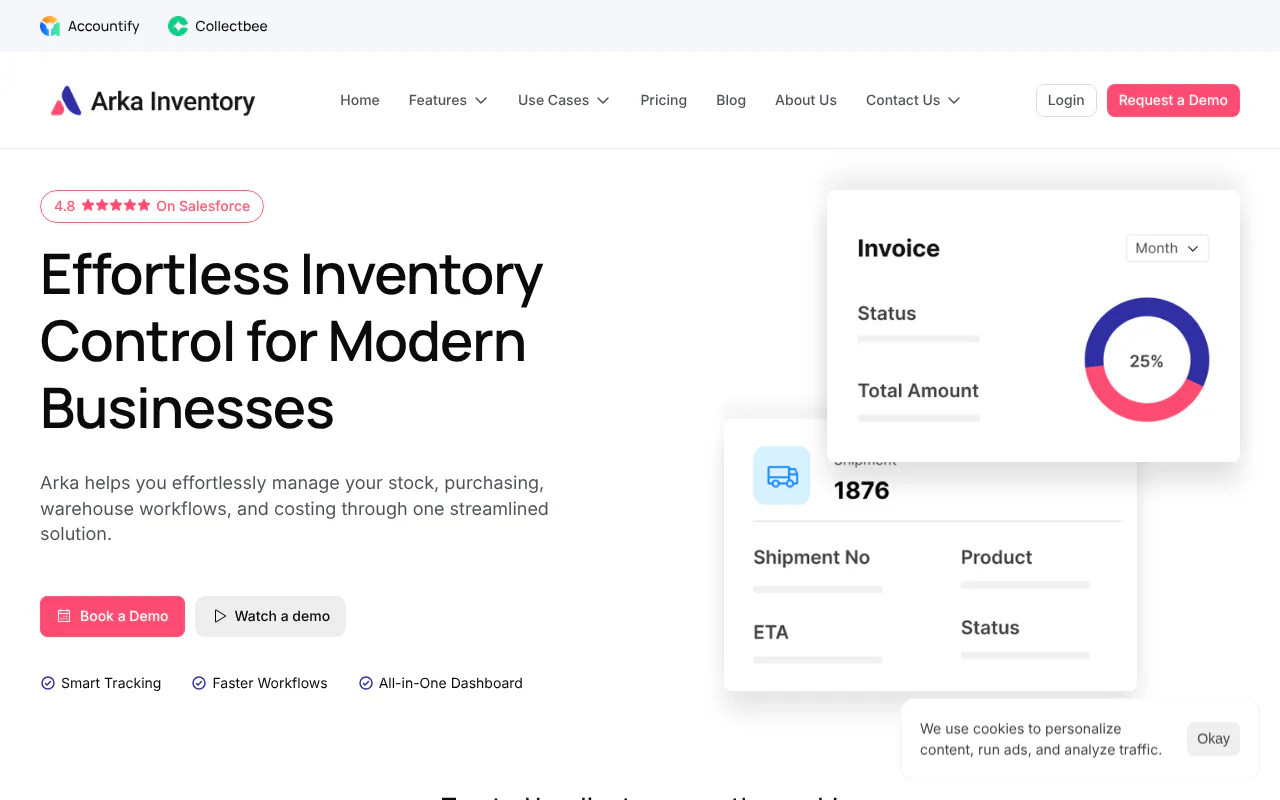
Arka Inventory is cloud inventory, warehouse, purchase and cost management software built natively on Salesforce. It supplies the stock facts that the templates we compared leave out. On your form, stock on hand by warehouse, quantity on order, lead time and reorder level come from the stock, on-order items, lead times and minimum levels the software already shows.
Strengths
- Inventory visibility shows stock across your warehouses and stores, items on order with expected arrival, lead times and raw material levels
- Inventory alerts tell operations, sales, fulfilment and service teams when an item is nearing or below its minimum level
- Purchase orders, warehouse transfers and inventory alerts are included from the Basic plan, at $199 a month billed yearly
Dynamics 365 Supply Chain Management
Microsoft's supply chain suite with formal requisition statuses
- Product type
- Supply chain management
- Vendor
- Microsoft
- Approval handling
- Workflow from Draft to Approved
- Setup note
- Workflows must be configured first
Requisitions move through a workflow from Draft to Approved. Lines can be routed to separate reviewers, so one rejected line does not hold up the others. Approved lines from several requisitions can be consolidated into one negotiation with a vendor, and a request for quotation (RFQ) can be generated while a requisition is in review.
Strengths
- Requisitions move through a workflow from Draft to Approved
- Lines can be routed to separate reviewers, so one rejected line does not hold up the others
- Approved lines from several requisitions can be consolidated into one vendor negotiation
Limitations
- The required workflows must be configured before a requisition can be submitted for review
SAP S/4HANA
SAP's sourcing and procurement process with direct or automatic requisitions
- Product type
- Sourcing and procurement
- Vendor
- SAP
- Approval handling
- Converts to RFQ, purchase order or outline agreement
- Setup note
- Manual price entry without an info record
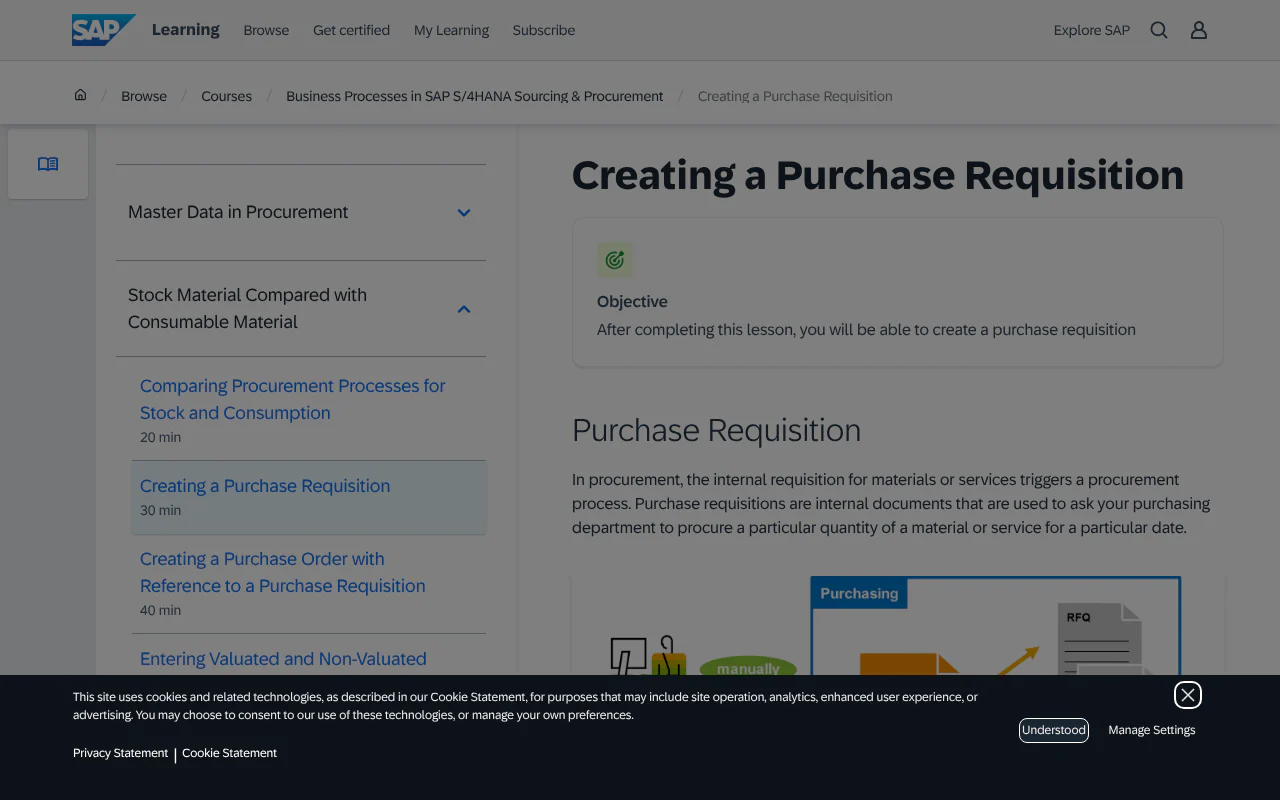
A department can create a requisition directly, or it can be created automatically from another component, such as material requirements planning. When you create a requisition manually for a material with a master record, the system copies data from that record. A requisition can convert into a request for quotation, a purchase order or an outline agreement (SAP's term for a long-term supply contract).
Strengths
- Requisitions can be created directly or automatically from components such as material requirements planning
- Data is copied from the material master record for a material that has one
- A requisition can convert into an RFQ, a purchase order or an outline agreement
Limitations
- The account assignment category Unknown is allowed in a purchase order only with the Service and Limit item types
- Where no info record exists for the supplier and material, the purchase price must be entered manually
Oracle NetSuite
Approval routing with escalation, plus an Advanced Procurement SuiteApp
- Product type
- Advanced Procurement SuiteApp
- Vendor
- Oracle
- Approval handling
- Limits by approver, with escalation
- Setup note
- Approval Routing must be enabled
Approval routing sets purchase approval limits by approver. If a request exceeds the approver's limit it escalates to the next level of management until an authorised approver approves it, and the approved request becomes a purchase order. The Requisition Approval Workflow in the Advanced Procurement SuiteApp combines standard approval routing with NetSuite's workflow manager.
Strengths
- Purchase approval limits are set by approver
- Requests above an approver's limit escalate to the next level of management
- An approved request becomes a purchase order
Limitations
- Approvers need the Employee Center role
- The Approval Routing feature must be enabled, or SuiteFlow used
Procurify
Purchasing product with approval routing, budgets and requisitions
- Product type
- Purchasing product
- Vendor
- Procurify
- Approval handling
- Approval routing and budgets
- Setup note
- Custom-quote pricing
The base Purchasing product includes approval routing, budgets, spend insights, purchase orders and requisitions, and a mobile app. Unlimited Basic users are included, with pricing set by the number of Pro users.
Strengths
- Approval routing, budgets and spend insights are in the base Purchasing product
- Purchase orders, requisitions and a mobile app are included
- Unlimited Basic users are included
Limitations
- Pricing is by custom quote, so there is no published figure to compare
- Pricing is set by the number of Pro users
Odoo (Purchase Request module)
Community-maintained purchase request module for Odoo
- Product type
- Community Purchase Request module
- Vendor
- Odoo Community Association
- Approval handling
- Filter requests by approval status
- Setup note
- Community-maintained module
Requests can be entered manually or triggered by procurement orders, and they can be filtered by approval status. The module is maintained by the Odoo Community Association, a non-profit of developers, integrators and users.
Strengths
- Requests can be entered manually
- Requests can be triggered by procurement orders and filtered by approval status
- The module is available for recent Odoo versions
Limitations
- The module is maintained by a non-profit community of developers, integrators and users, not by a vendor
How to choose
- 1
Export 12 months of purchase orders
Pull date, supplier and value for each order and count them. Your approval bands should come from your own spread of values, not from a template. - 2
Set the bands from your own orders
Put the Band A limit at the value below which roughly 70 to 80 per cent of orders fall, cover the next 15 to 20 per cent in Band B and leave the rest to Band C. These percentages are our recommendation. - 3
Run the load test
Divide the Band C count by 12 to get requests per month. Pass if the Band C approver can clear that many within two working days; if not, raise the Band B limit. - 4
Run the split-order test
Scan the 12 months for one supplier with several orders within seven days, each below the Band A limit but together above it. A fail means people are splitting orders to avoid approval, so tighten the rule. - 5
Check stock requisitions on quantity
Compare the requested quantity with your calculated order quantity and with lead-time demand, which is expected usage while the supplier delivers. Also check whether another warehouse already holds the item. - 6
Add a purchasing review for first-time suppliers
Apply it in any band, so a new supplier is looked at by purchasing before the order goes out.
Key takeaways
- A purchase requisition is an internal request approved before purchasing sends a purchase order to the supplier. Run it as two lanes: stock requisitions approved on quantity, spend requisitions approved on rupees.
- A stock requisition needs five stock facts: item code, stock on hand, quantity on order, reorder level and lead time. None of the four templates we compared carried item code, stock on hand or reorder level.
- Set approval bands from your last 12 months of purchase orders, not from a template, then test them for split orders.
- Skip the requisition only where an earlier approval already covers the purchase: system-triggered replenishment within a quantity cap, releases against an approved framework agreement, and spend purchases under Band A with a recorded manager's confirmation.
What is a purchase requisition, and how does it differ from a purchase order?
A purchase requisition is an internal document that authorises the purchasing department to buy items or services. A purchase order is the external document purchasing then sends to the supplier. The requisition asks permission inside your company. The purchase order commits you to the supplier (Microsoft Learn, Dynamics 365 Supply Chain Management, updated September 2026).
One private Indian materials-management site uses the term indent for the same document (materialsmanagement.in). We recommend that the head of the requesting department checks the requisition before it goes to purchase.
The flow is short: need identified, request drafted, request reviewed, request approved, purchase order raised. In Microsoft's documentation the statuses are Draft, In review, Approved and Closed, with Rejected and Cancelled as exits. A rejected line can be corrected and resubmitted. Only an approved line can be cancelled. Lines can also be reviewed one by one, so one rejected item need not hold up the rest.
Why does a purchase requisition need a stock lane and a spend lane?
A stock requisition replenishes items you hold and is judged on quantity, cover (how many days current stock will last) and lead time. A spend requisition buys things you consume and is judged on rupees and budget. Microsoft's Dynamics 365 formally separates the two; our recommendation is to apply the same logic in your own procedure.
In Dynamics 365, a requisition with a purpose of replenishment states demand "as a quantity instead of a monetary amount", and budget-control rules do not apply to it. It can be met by a purchase order, transfer order, production order or kanban (a card-based replenishment signal). A consumption requisition covers items or services used internally and is always met by a purchase order (Microsoft Learn).
Our recommendation is to write this split into your procedure even if you never buy software. The stock lane runs on rules, and the spend lane runs on judgement. One form for both makes the stock approver either approve blind or reject just to ask questions. Before approving a stock requisition, also check whether another warehouse already holds the item. A transfer can settle some replenishment requisitions without a purchase.
- Aspect
- Buys
- Stock lane
- Raw material, components, traded goods you hold
- Spend lane
- Consumables, services, equipment you do not stock
- Aspect
- Trigger
- Stock lane
- Reorder level, material shortage for a build, forecast
- Spend lane
- A person notices a need
- Aspect
- Raised by
- Stock lane
- Storekeeper or planner, or generated by the system
- Spend lane
- Any department
- Aspect
- Approved on
- Stock lane
- Quantity, cover, lead time
- Spend lane
- Rupee value and budget
- Aspect
- Approver's question
- Stock lane
- How much do we need, and by when?
- Spend lane
- Is it budgeted and justified?
What fields should a purchase requisition form include?
Every requisition needs ten core fields: number, date, requester, department, description, unit, quantity, estimated unit price and total value (₹), needed-by date and suggested supplier. Stock requisitions add five stock facts. Spend requisitions add four budget facts. Both end with an approval block and the purchase order number once one exists.
In November 2026 we compared the field lists of four published requisition templates, from Kladana, Spendflo, Weproc and Drip Capital. We counted a field only when it appears as a standard field on the template, not as an optional addition. Our counts:
| Field | Templates with it as standard (of 4) |
|---|---|
| Requester, department, description, quantity, estimated price, suggested supplier, approval block | 4 |
| Business justification | 3 |
| Needed-by date | 3 |
| Cost centre or budget code | 3 (the fourth lists it only as an optional addition) |
| Delivery location | 2 |
| Item code, stock on hand, reorder level | 0 |
Here is the form we recommend. The same fields work as columns in a spreadsheet or lines in an emailed purchase order request. For the supplier lead time, see Inventory Lead Time.
- Part
- Core
- Fields
- Requisition number, date, requester, department, description, unit, quantity, estimated unit price and total value (₹), needed-by date, suggested supplier
- Why the approver needs it
- Identifies the request, places it in an approval band and sets the deadline
- Part
- Stock lane adds
- Fields
- Item code, stock on hand by warehouse, quantity already on order, reorder level, supplier lead time
- Why the approver needs it
- Shows whether the quantity is justified
- Part
- Spend lane adds
- Fields
- Cost centre or budget code, budget remaining, business justification, quote reference
- Why the approver needs it
- Shows whether the money is available and the need is real
- Part
- Closing block
- Fields
- Approver, decision, decision date, comments, linked purchase order number
- Why the approver needs it
- Gives you an audit trail from request to order
How do you set approval limits for a purchase requisition?
Set the bands from your own last 12 months of purchase orders. Template bands come from other companies' spending. Yours should come from your own value spread, so most orders clear in one step and only the large ones reach senior approvers. The method below is our recommendation, not a standard.
- Export 12 months of purchase orders with date, supplier and value, and count them (N).
- Sort by value, lowest first.
- Set the Band A limit at the value below which roughly 70 to 80 per cent of orders fall. These percentages are our recommendation.
- Set Band B to cover the next 15 to 20 per cent and Band C for the rest.
- Share of orders in a band = orders in the band ÷ N.
An illustration, not a standard: with 200 orders sorted by value, 75 per cent is the 150th order. If that order is ₹40,000, Band A is up to ₹40,000. Taking the next 20 per cent for Band B, the band covers the 151st to the 190th order, and the value of the 190th order in your own sorted list becomes the Band B limit. The remaining 10 orders (5 per cent) fall in Band C.
Run two tests before you adopt the bands:
- Load test. Divide the Band C count by 12 to get requests per month. Pass if the Band C approver can clear that many within two working days. Fail if not, and raise the Band B limit.
- Split-order test. Scan the 12 months for one supplier with several orders within seven days, each below the Band A limit but together above it. Pass if there are none, or each has a reason. A fail means people are splitting orders to avoid approval, so tighten the rule.
For stock-lane requisitions, approve on quantity: compare the requested quantity with your calculated order quantity (Economic Order Quantity) and with lead-time demand (expected usage while the supplier delivers).
- Band
- A
- Request value (₹)
- up to ₹____
- Approvers
- Department head
- Orders in last 12 months
- Band
- B
- Request value (₹)
- ₹____ to ₹____
- Approvers
- Department head and finance
- Orders in last 12 months
- Band
- C
- Request value (₹)
- above ₹____
- Approvers
- Department head, finance and owner or director
- Orders in last 12 months
- Band
- Any band
- Request value (₹)
- First-time supplier
- Approvers
- Add a purchasing review
- Orders in last 12 months
Which purchases can skip a purchase requisition?
Skip the requisition where an earlier approval already covers the purchase. Our recommendation has three cases. In every other case, raise a requisition.
- System-triggered stock replenishment at or below a pre-approved quantity cap. The reorder level and cap are the approval. Anything above the cap becomes a stock requisition.
- Releases against an approved framework agreement. A blanket purchase order covers repeat calls on one supplier at agreed terms.
- Spend lane items under Band A, if your owner agrees. A manager's written confirmation is enough, but record it so the split-order test can see it.
Planned demand is another route into the stock lane. Material requirements planning turns a production plan into the requisitions that feed it.
How we built this list
We considered the systems that publish documentation or pricing for purchase requisitions, drawing on Microsoft, SAP, Oracle, Procurify and the Odoo Community Association, plus our own product. We included those that handle requisitions and have public information we could check. We ranked Arka Inventory first for the stock lane, because it puts the stock facts an approver needs in one place, and the others follow in the order shown. This list is as of November 2026, and Arka Inventory publishes this page and is one of the systems compared.
This page is published by Arka Inventory. If anything here is out of date, tell us and we will correct it.
Sources
- 1.Purchase requisition overview, Dynamics 365 Supply Chain Management, Microsoft Learn, September 2026
- 2.Creating a Purchase Requisition, SAP Learning
- 3.NetSuite help: Approving a Purchase Request, Oracle
- 4.Requisition Approval Workflow, Oracle
- 5.Pricing, Procurify
- 6.Purchase Request module, Odoo Community Association
- 7.Indent raising for purchasing, materialsmanagement.in
- 8.Inventory alerts, Arka Inventory
- 9.Pricing, Arka Inventory, 8 November 2026
- 10.Contact sales, Arka Inventory