TL;DR
Product traceability software is reliable when a live demonstration traces a lot or serial backward to its source, forward to affected stock and customer orders, and reconciles quantities across each handoff. Run a supplier-recall, quality-hold, and customer-complaint test before relying on the system for recalls, audits, or investigations.
Product traceability software should prove three things in a live demo: trace backward to source, trace forward to customers, and preserve the events between. Run the three tests below before you rely on any system for a recall, audit, or quality investigation.
Use This Traceability Test Pack
A useful demo starts with connected transactions, not a polished dashboard. Give every vendor the same data and require the team to search from a lot, a serial, and a customer order.
The figures below are sample test data. Replace them with one real receipt, one finished lot, and one recent sales order before your final evaluation.
Set up the Test Records
Create these records in the demo:
- Supplier: Northstar Materials
- Raw-material lot:
RM-771 - Purchase order:
PO-1042 - Receipt: 100 kg of
RM-771into Warehouse A - Transfer: move 20 kg of the remaining material to Warehouse B
- Production run:
PR-2409 - Finished-product lot:
FG-2409 - Production: consume 30 kg of
RM-771to make 120 cases ofFG-2409 - Shipment
SO-184: 40 cases to Customer A - Shipment
SO-190: 50 cases to Customer B - On hand: 30 cases of
FG-2409in Warehouse B - Serialized unit:
SN-FG-2409-017, shipped onSO-190
Test a Supplier Recall
Ask: “Supplier lot RM-771 is suspect. Show every affected location, finished lot, shipment, and customer.”
The demo should return the receipt, supplier, purchase order, quantity, and original location. It should also reconcile the raw material:
100 kg received
-30 kg consumed in PR-2409
=70 kg remaining

50 kg in Warehouse A
20 kg in Warehouse B
Then it should connect RM-771 to PR-2409 and finished lot FG-2409. The finished-goods record should also reconcile:
120 cases made
-40 cases shipped on SO-184
-50 cases shipped on SO-190
=30 cases on hand in Warehouse B
Require the output to list the 30 on-hand cases, the 90 shipped cases, both sales orders, and both customers. Record how many minutes the search and export take.
Fail the test if a user must combine receipt, production, transfer, and shipment records in a spreadsheet. Fail it if quantities do not reconcile.
Test a Quality Hold
Ask: “Inspection failed for FG-2409. Put the remaining 30 cases on hold and show what routine fulfillment can still allocate.”
The demo should show the held quantity, warehouse, status, reason, user, and timestamp. The 30 cases in Warehouse B should stop appearing as ordinary available stock.
The system should keep the 90 shipped cases separate from the contained stock. It should also preserve the lot history if the team later releases, returns, reworks, or disposes of the inventory.
Test a Customer Complaint
Ask: “Customer B reported a problem with serial SN-FG-2409-017 on SO-190. Trace the unit back to its source.”
The demo should move from the serial to the order and shipment. It should then show finished lot FG-2409, production run PR-2409, raw-material lot RM-771, supplier, purchase order, and receipt.
Run the same search in reverse, starting with RM-771. A reliable system reaches the same connected history in either direction.
Know What Each Trace Direction Must Answer
Trace-back starts with a finished lot, serial, order, or complaint. It answers, “What went into this item, and where did it come from?”
Trace-forward starts with a supplier or component lot. It answers, “Where is this material now, and which customers received it?”
Both searches need more than an identifier. GS1’s EPCIS model describes event data through what happened, when it happened, where it happened, why it happened, and how it happened.
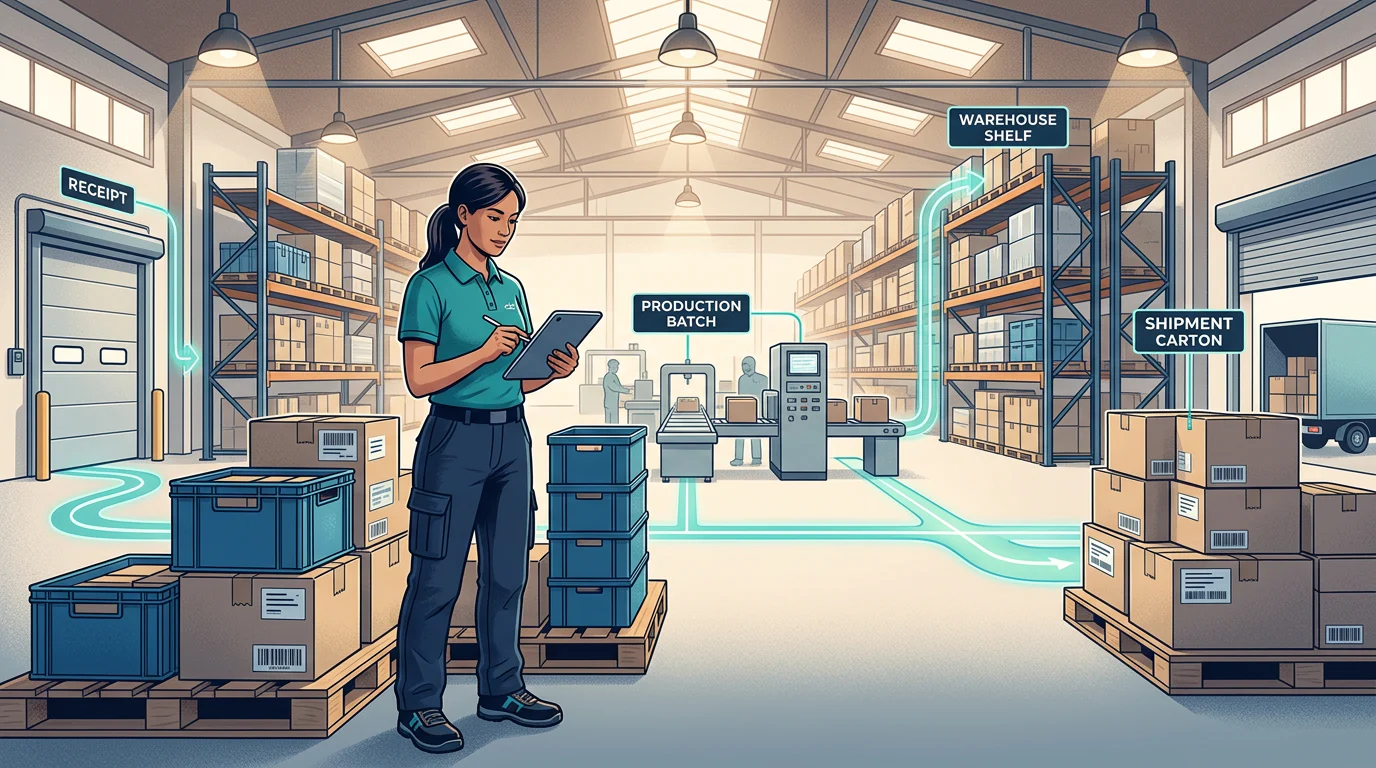
For the test pack, trace-back should reveal the supplier receipt and production link. Trace-forward should reveal stock balances, transfers, finished goods, shipments, and customer orders.
Choose Lots, Serials, or Both
A lot identifies a group of products with a shared source, batch, date, or quality event. A serial number identifies one individual unit.
Use lot tracking when one supplier receipt or production batch could affect many units. Food, ingredients, cosmetics, chemicals, and dated goods often need this level of control.
Use serial tracking when a business needs unit-level warranty, service, authenticity, or return history. High-value equipment and regulated devices often need it.
Use both when one serialized unit must retain its parent lot history. Your demo should show that relationship from receipt through shipment and return. At Arka, our lot and serial tracking records inventory by batch, expiry date, and serial number.
Capture Data at Every Handoff
A traceability event is a recorded receipt, production step, move, shipment, return, or disposition. Each event needs enough context to answer the investigation later.
Capture these fields for every controlled handoff:
- Item and lot or serial identifier
- Quantity and unit of measure
- Event date and time
- Warehouse, bin, and source or destination
- Purchase order, work order, transfer, shipment, or return record
- Supplier, customer, or internal department
- Product status, such as available, held, returned, or scrapped
- User, device, or workflow that recorded the event
- Reason for an adjustment, hold, release, or disposition
- Parent and child lot relationships after production, repacking, or kitting
Location matters as much as the lot number. A recall team needs to see which stock is in Warehouse A, which stock moved to Warehouse B, and which stock already shipped. Inventory visibility across locations helps operations teams review stock movement before an incident becomes urgent.
For covered U.S. Food Traceability List foods, the FDA requires applicable Key Data Elements to stay linked to the relevant traceability lot code at Critical Tracking Events. FDA traceability guidance provides the regulatory detail for those operations.
Make the Demo Prove Warehouse Work
A trace graph is only useful if warehouse transactions keep it accurate. Ask the vendor to complete the same actions your receiving and fulfillment teams perform.
Receive a labeled lot, then put it away into a bin. Transfer part of that lot to another warehouse. Consume it in production or repacking. Pick the finished lot for a sales order. Return one serialized unit and give it a clear disposition.
Ask the team to perform one exception. Enter a wrong lot, an incorrect quantity, or a held lot at pick time. The result shows whether the workflow protects the record or merely reports errors later.
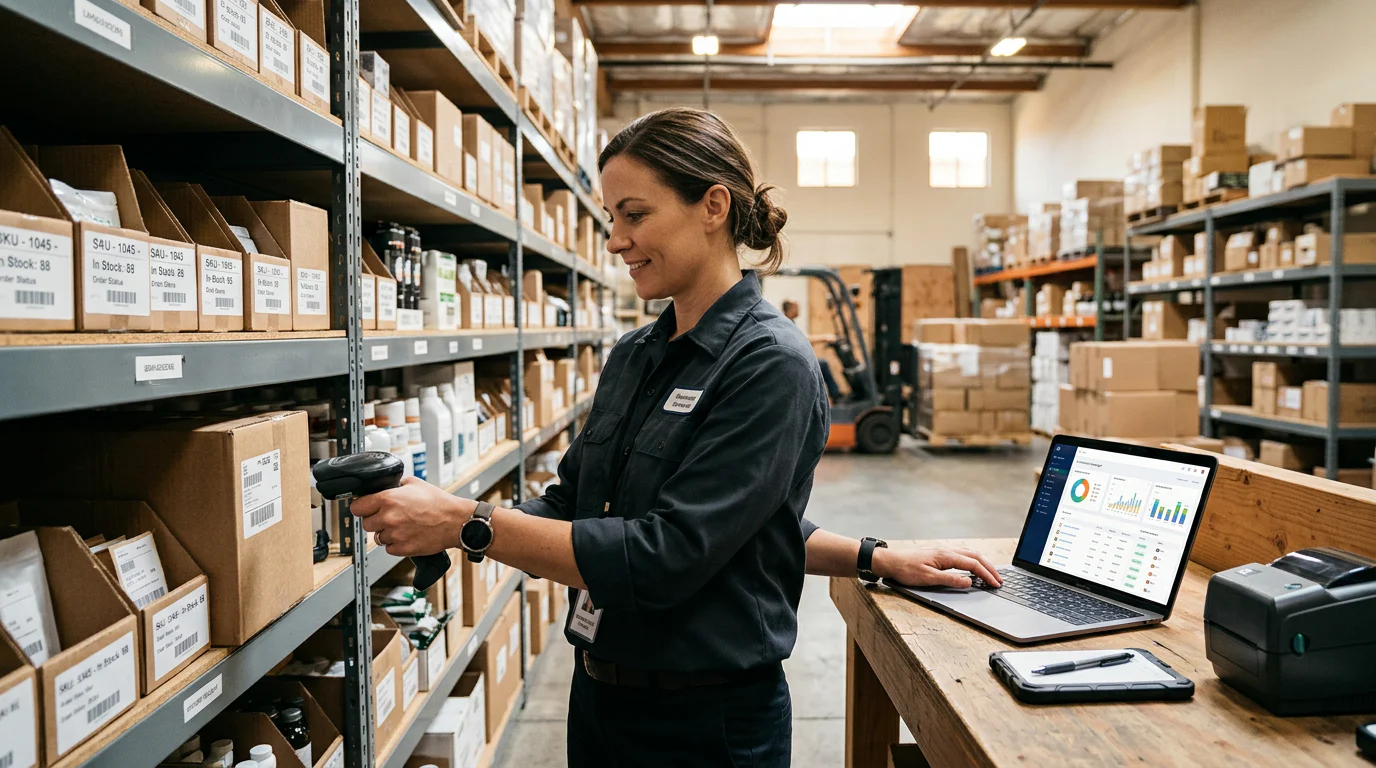
Our warehouse management workflows include barcode-based receiving, palletizing, bin put-away, pick tickets, and packing slips. Arka also supports first-expiring lot picking for lot or batch-enabled products.
Build Reports for Recalls, Audits, and Investigations
A search result helps an operator. A report helps a team contain an issue, explain its decisions, and keep a record of the investigation.
A recall report should show the affected lot or serial, on-hand quantity, locations, transfers, finished goods, shipments, customer orders, customers, and current containment status.
An audit report should add event dates, users, source records, adjustments, exception reasons, and missing-data findings. A quality-investigation report should connect the complaint or failed inspection to the product history and final disposition.
Ask the vendor to export each report during the demo. The export should retain the identifiers and relationships that the screen showed. Use custom reports and dashboards to shape the operational views your recall, quality, and warehouse teams need.
Set a Passing Standard Before You Buy
Mark each test Pass, Partial, or Fail. Record the missing field, manual workaround, report gap, owner, and retest date beside each result.
Choose a system after it passes all three tests on your actual workflow:
- A supplier lot traces forward to stock, production, shipments, and customers.
- A finished lot or serial traces backward to its source records.
- A quality hold contains eligible stock without erasing the item’s history.
A vendor feature list cannot replace these tests. The winning system is the one that gives your team a complete answer while the relevant stock, orders, and transactions are still connected.
FAQs
Is a SKU the Same as a Lot Number?
No. A SKU identifies the product type, such as a 500 ml bottle or a specific replacement part. A lot identifies one traceable group of that SKU, such as a supplier receipt or production batch.
One SKU can have many lots. A recall usually targets a lot, not every unit carrying the SKU.
Should a Customer Order Include the Lot or Serial Shipped?
Yes, for traceable products. The shipment or fulfillment record should show the actual lot or serial that left the warehouse.
That link lets a customer complaint start with an order or serial and move backward to the source. It also lets a supplier recall identify the right customer orders without broadening the recall unnecessarily.
How Should We Test Imported Historical Data?
Import one old receipt, one transfer, one production record, and one shipment from your current system. Then run the same trace-back and trace-forward questions against that history.
Check identifiers, quantities, locations, dates, and parent-child lot links before making imported stock eligible for fulfillment. A clean import preserves the relationships, not only the opening balances.
Who Should Participate in the Demo?
Include the person who receives stock, the person who picks or ships orders, and the person responsible for quality or recalls. Each role should run the scenario that they would own during a real incident.
A sales-only demonstration can show a polished search screen. Warehouse and quality users expose whether the record survives daily work.
At Arka, we suit Salesforce businesses that need traceable stock inside warehouse operations. Our Enterprise plan includes Lot/Serial Tracking, Sales Orders, Landed Cost, and BIN tracking; see Arka Enterprise pricing.